Digital Checklist Software for Audits, Inspections, and Compliance

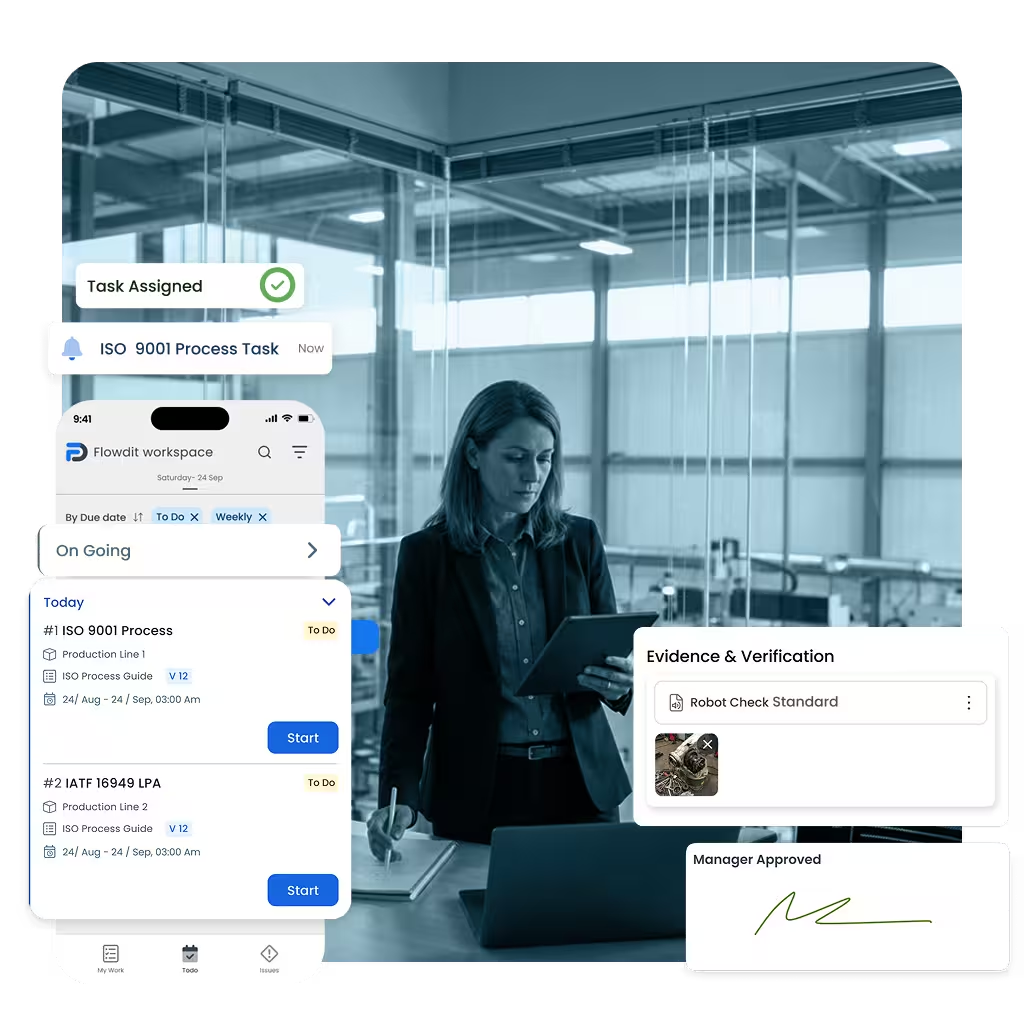
flowdit is digital checklist software designed to help teams streamline audits, inspections, and compliance with standardized, mobile-first workflows. Replace paper forms and spreadsheets with smart digital checklists that guide users through every step, capture photos and signatures, trigger follow-up actions, and generate real-time reports from one centralized platform. Whether you’re managing quality checks, safety inspections, or compliance processes across multiple sites, flowdit helps improve consistency, reduce manual effort, and keep every checklist audit-ready.

See How It Works in Just 2 Minutes

flowdit's digital checklist software gives your audits, inspections, and compliance checks a consistent structure — so your teams always know what to look for, what to record, and what to act on. No more chasing paper trails or second-guessing whether anything was missed.

Digital checklist software from planning to follow-up

Stop juggling spreadsheets, email threads, and disconnected tools. flowdit Audit centralizes all digital checklists—from planning and execution to findings, CAPA, and reporting. Whether you run process audits, product inspections, LPA, 5S, or safety checks, you work from one digital checklist platform that meets ISO, customer, and internal requirements.

Designed for ISO 9001, IATF 16949, and internal checklist standards

Plan, schedule, and execute digital checklists from one platform

Identify risks early and trigger CAPA directly from checklist findings

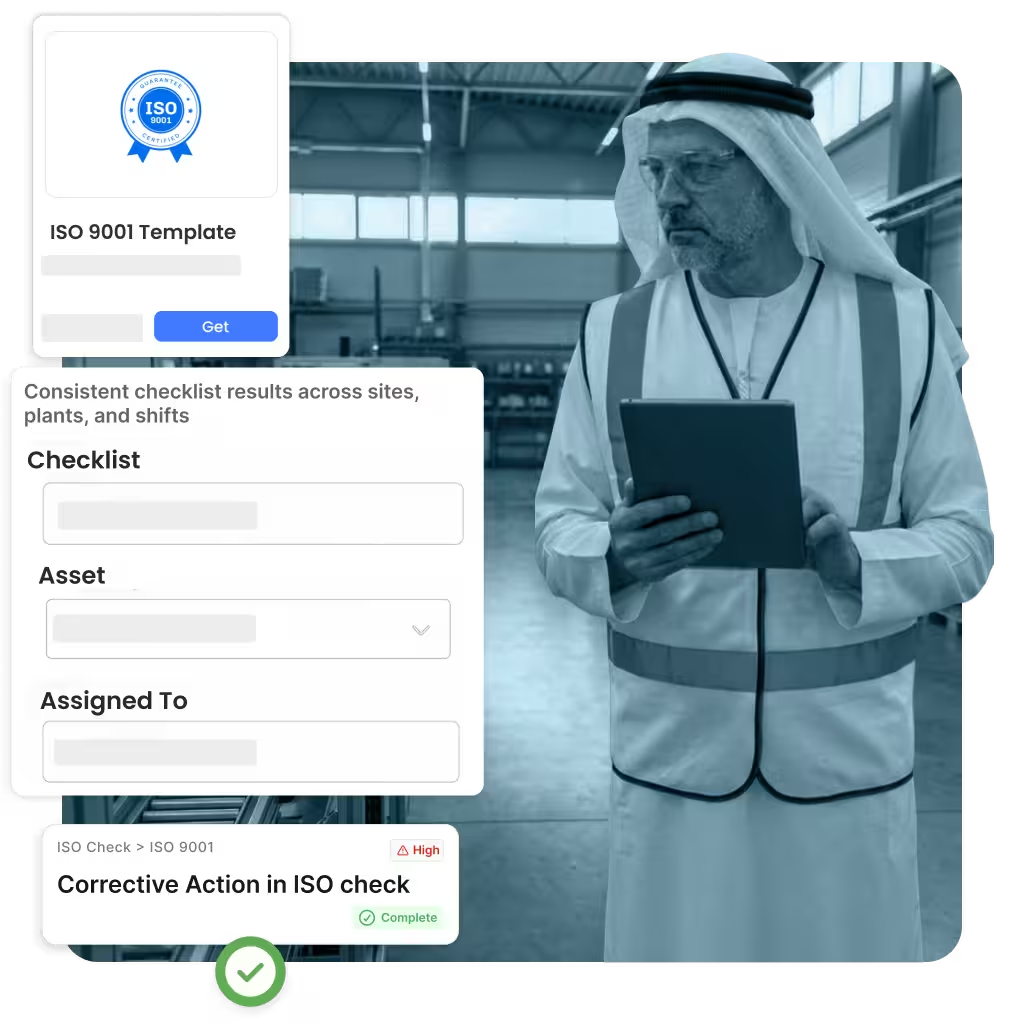
Consistent checklist results across sites, plants, and shifts

Audit planning and inspection
Planning workflow and strategy board

More control over checklists, less manual effort

Your digital checklist software should reduce effort, not add complexity. flowdit Audit automates scheduling, permissions, reminders, and checklist templates. Auditors and inspectors complete checklists on mobile devices, add photos and notes, and managers track checklist progress in real time—without chasing Excel files.

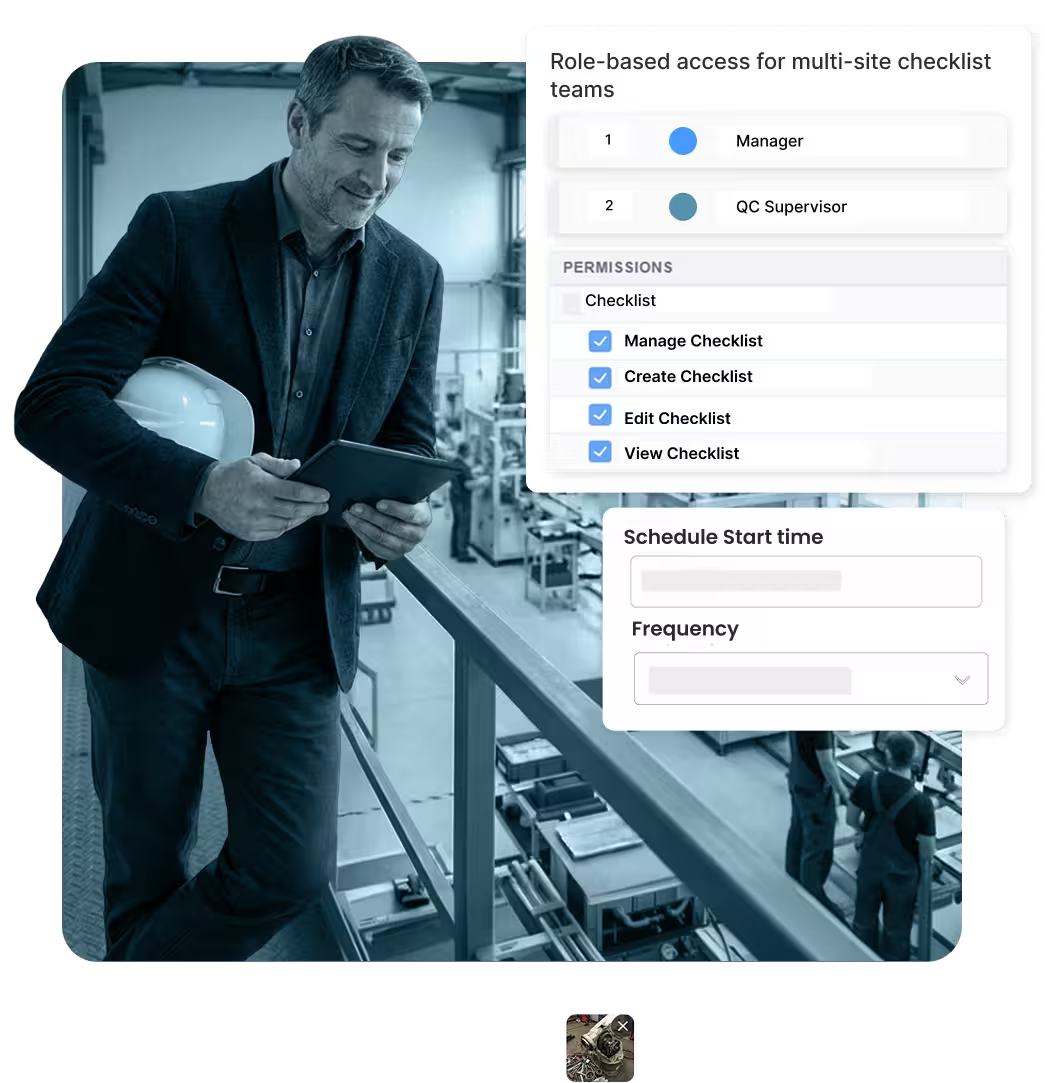
Role-based access for multi-site checklist teams

Reusable checklist templates for recurring audits and inspections

Automatic reminders and escalation for overdue checklists

Desktop, tablet, and mobile checklists — online or offline

Digital checklist on tablet

Digital checklists that guide teams step by step

Replace static paper forms with intelligent digital checklist software that guides users step by step. Conditional logic, required evidence, and weighted scoring ensure every checklist is complete, comparable, and audit-ready—whether used online or offline on the shop floor.

Conditional logic, scoring, and mandatory checklist questions

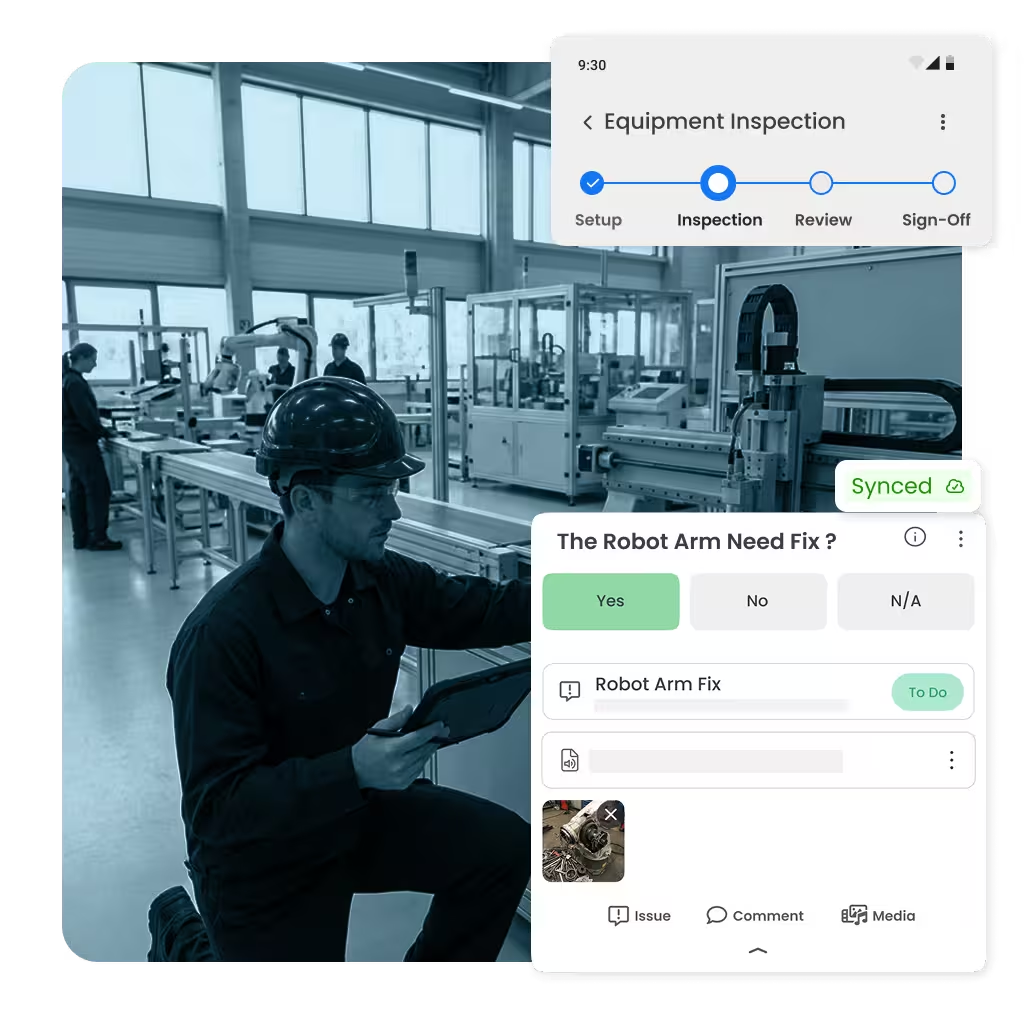
Capture photos, notes, and documents directly in the checklist

Offline-first digital checklist app with secure synchronization

Multi-language checklists and lookup fields for assets or standards

Audit reporting dashboard

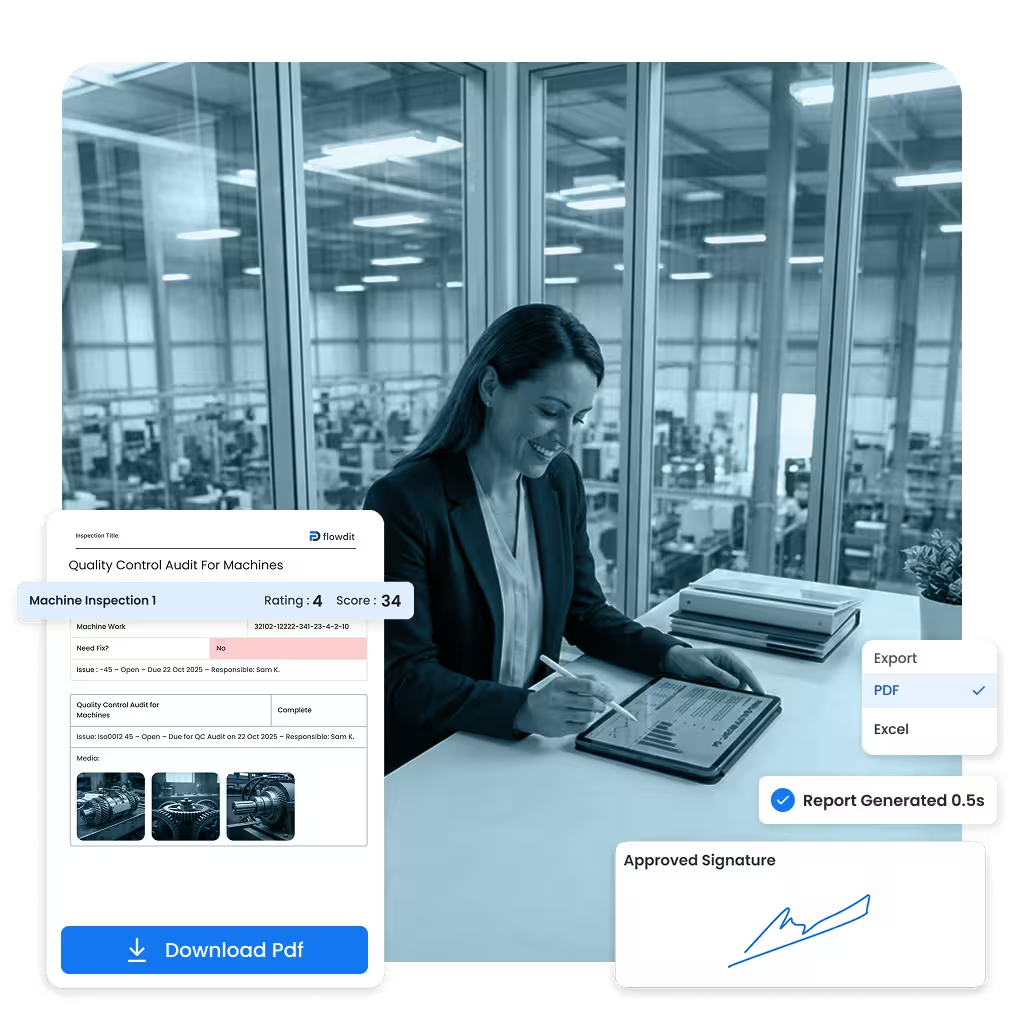
Checklist-based reports & automatic scoring in seconds

Eliminate manual reporting. flowdit Audit converts completed digital checklists into standardized, branded PDF reports automatically. Scoring, approvals, and e-signatures are applied instantly—so every checklist result is audit-ready and fully traceable.

Configurable scoring models per checklist type

Immutable checklist audit trail with approvals and e-signatures

Branded PDF reports generated from checklist results

Share checklist reports securely via email or links

Audit analytics and KPIs

Turn digital checklist data into clear decisions

Every completed digital checklist generates valuable data. Export structured checklist results to Excel, CSV, or BI tools to track trends, compare sites, and identify recurring issues. Make checklist-driven decisions based on data—not assumptions.

Export checklist data to Excel, CSV, or BI tools

KPIs, trends, and heatmaps from checklist results

Drill-down by site, process, asset, or checklist field

APIs to connect checklist data with ERP and QMS systems

CAPA workflow collaboration

From checklist finding to action: closed-loop CAPA

Digital checklists create value when actions follow. flowdit Audit links every checklist finding to CAPA tasks with owners, deadlines, and evidence. Track corrective actions in one system and ensure checklist-driven improvements are verified and closed.

CAPA board linked directly to checklist findings

Automatic reminders and escalation for overdue actions

Evidence upload and approval workflows

Reusable CAPA templates for recurring checklist issues

One digital checklist software for all inspections and audits

Process audits, inspections, LPA, 5S, and safety checks: plan, execute, and follow up using one digital checklist software. Secure, scalable, and aligned with your quality and compliance standards.

Online & offline ready for shop-floor audits

Templates for common internal and supplier audits

Role-based rights for multi-site organizations

Exports and APIs for BI, ERP and QMS tools

Digitize checklists and keep every step under control

One digital checklist platform for planning, execution, corrective actions, reporting, and analysis.

1
Plan checklists
Schedules, scopes, roles & templates
2
Execute checklists
Guided, offline-ready checklists
3
Capture evidence
Photos, notes, scores & signatures
4
Create findings
Severity, categories & root causes
5
Assign actions
Owners, due dates & priorities
6
Track CAPA
Statuses, reminders & escalation
7
Report results
Standardized, branded PDFs
8
Analyze trends
KPIs, dashboards & trends

How teams improve audit management with flowdit

Explore more stories

Frequently Asked Questions

Everything you need to know about getting started with flowdit Audit.

Digital checklist software replaces paper forms and spreadsheets with smart, mobile-ready checklists. It allows teams to complete inspections, audits, safety checks, and quality controls digitally — with automatic documentation and real-time reporting.

Digital checklists help you:
  • Reduce manual paperwork
  • Eliminate lost or incomplete forms
  • Standardize processes
  • Automatically generate reports
  • Track findings in real time
  • Improve compliance and accountability
They increase accuracy while significantly reducing administrative effort.

Yes. Modern digital checklist software allows you to:
  • Create custom templates
  • Add conditional logic (smart fields)
  • Include photos, videos, and attachments
  • Add digital signatures
  • Adapt checklists to specific departments or sites
This ensures the checklist fits your exact workflow.

Yes. Leading solutions offer offline functionality, allowing workers to complete checklists in the field, on the shop floor, or on construction sites. Data automatically syncs once a connection is restored.

They enforce standardized processes and mandatory fields, ensuring nothing is skipped. Every action is time-stamped and stored in a secure audit trail, making compliance documentation instantly accessible during audits.

Digital checklist software is widely used in:
  • Manufacturing
  • Construction
  • Energy
  • Pharma
  • Food & Beverage
  • Healthcare
  • Facility management
Any organization that relies on inspections, safety checks, or quality control can benefit.

It minimizes human error by:
  • Preventing incomplete submissions
  • Using automated validation rules
  • Triggering alerts for critical findings
  • Standardizing inspection criteria
  • Automatically assigning corrective actions
This leads to more consistent and reliable inspections.

Yes. Advanced platforms integrate with ERP systems, maintenance software, document management tools, and IoT sensors. This ensures checklist data flows directly into your operational ecosystem.

Enterprise-grade systems use encrypted cloud storage, role-based permissions, two-factor authentication, and regular backups. Many align with ISO standards and data protection regulations.

Most cloud-based solutions can be implemented within days. Teams can start with ready-made templates and scale gradually across departments or locations.

Common users include:
  • Operations Managers
  • Plant Managers
  • QA/QC Teams
  • EHS Managers
  • Maintenance Teams
  • Commissioning Engineers
  • Field Service Technicians
It supports both frontline workers and management with real-time visibility.

Key selection criteria include:
  • Mobile-first design
  • Offline capability
  • Customizable templates
  • Automated workflows
  • Reporting and analytics
  • Integration options
  • Ease of use for frontline teams
  • Scalable pricing
Usability in real working environments is critical.

Most Effective Audit Management Software

Get Advice

Let’s talk about your audit management

Prefer email instead of a call? Share your audit goals and we’ll respond within one business day with concrete next steps.

Sales & demo requests
Mon–Fri, 9:00–17:00 CET
+971 52 293 9955‬ support-int@flowdit.com
IOTIVATA – FZCO office in the Dubai Digital Park, Office A5-Dtec, Dubai Silicon Oasis